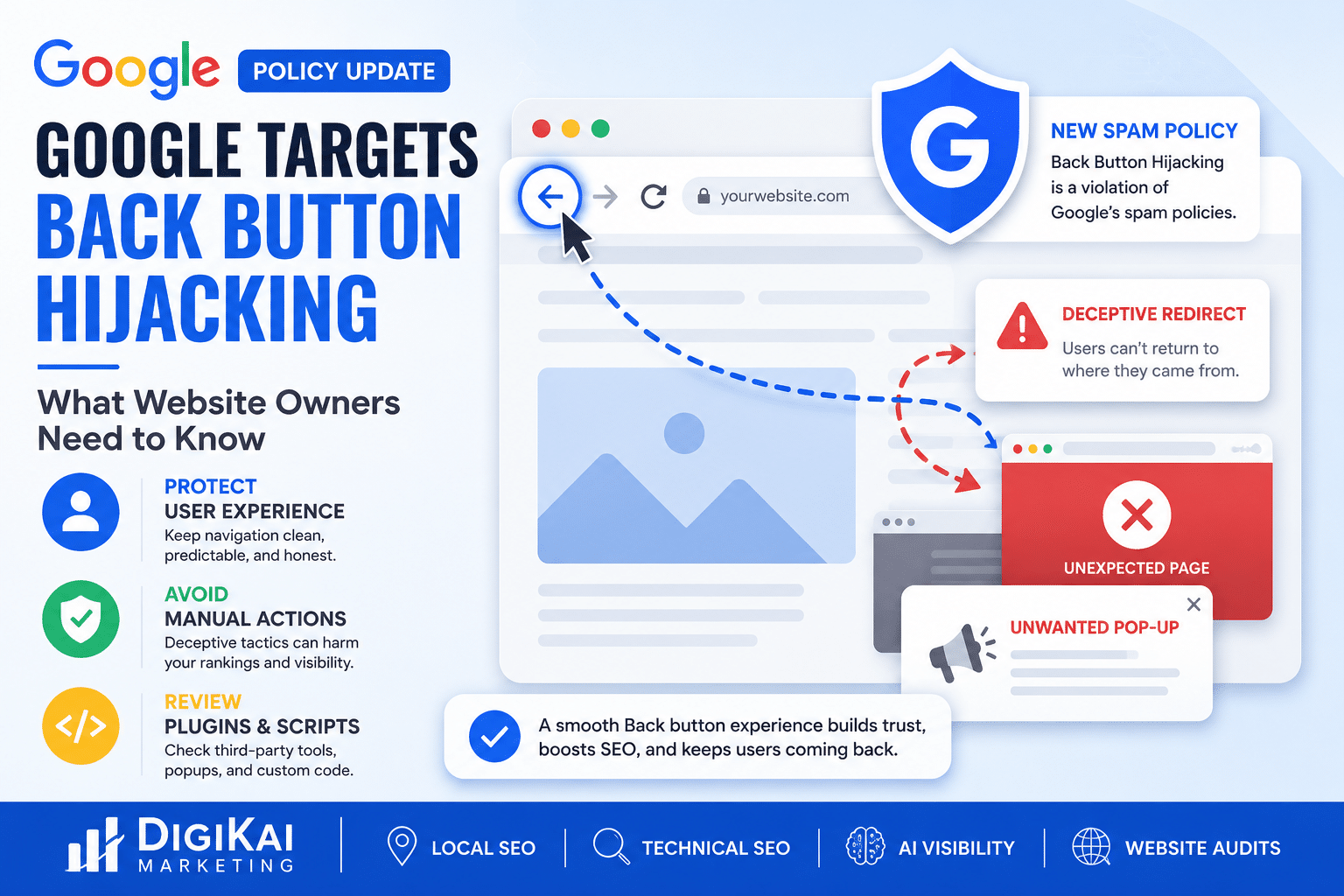
Google has expanded its spam policies to address a deceptive tactic known as back button hijacking. While many business owners have never heard the term before, this update could have serious implications for websites using aggressive scripts, outdated plugins, or poorly configured third-party tools.
The good news? Most businesses have nothing to worry about.
However, if your website interferes with a user's ability to navigate normally, it's worth investigating before it becomes a bigger issue.
Back button hijacking occurs when a website prevents users from leaving a page naturally by manipulating their browser history.
Instead of returning to the previous page when the Back button is clicked, users may experience unexpected behavior such as:
In short, the browsing experience becomes frustrating and misleading.
Google views these tactics as harmful because they create barriers between users and the information they're trying to access.
Google's mission has always been to provide users with helpful, trustworthy search experiences.
When websites intentionally interfere with basic browser functionality, it damages that experience.
This update reinforces an important principle:
User experience matters.
Sites designed to trap visitors or artificially inflate engagement metrics don't align with Google's quality standards.
In most cases, no.
Modern websites frequently use technologies that update content dynamically without reloading the entire page. Frameworks such as React, Vue, and Next.js often modify browser history as part of normal functionality.
The question isn't whether browser history is being used.
The question is:
Does the Back button behave the way users expect it to?
If the answer is yes, your website is likely fine.
Google continues moving toward rewarding websites that prioritize usability.
Although this policy specifically targets deceptive practices, it serves as another reminder that technical SEO extends beyond keywords and backlinks.
A website that frustrates visitors may eventually face consequences ranging from reduced trust to manual actions.
Businesses investing in SEO should routinely evaluate the overall user experience—not just rankings.
Sometimes these problems are intentional.
Other times, they're accidental.
Potential sources include:
Because websites often evolve over time, it's possible for issues to go unnoticed.
Fortunately, checking your website is simple.
Open an incognito browser window and:
If navigation feels smooth and predictable, that's a positive sign.
If something feels off, further investigation may be necessary.
You don't need to panic.
Instead, use this update as an opportunity to perform a routine website health check.
Consider reviewing:
For businesses relying heavily on search traffic, proactive maintenance is always better than reactive cleanup.
Google's latest policy update highlights an important shift in SEO:
Search visibility increasingly depends on user experience.
Technical optimization still matters.
Content still matters.
Links still matter.
But websites that create friction for visitors will continue finding themselves at a disadvantage.
Businesses that focus on transparency, usability, and delivering value are positioned to benefit as Google's algorithms continue evolving.
For most business owners, Google's back button hijacking policy won't require major changes.
However, it's a good reminder that SEO isn't just about attracting visitors—it's about creating experiences that deserve their trust.
If your website allows users to navigate naturally and accomplish their goals without frustration, you're already moving in the right direction.
And if you're unsure whether your website meets today's standards, now is the perfect time to take a closer look.
At DigiKai Marketing, we help businesses identify technical SEO issues before they impact rankings, traffic, and conversions.
From local SEO and AI visibility optimization to website audits and ongoing SEO strategies, we help businesses build websites designed for both users and search engines.
Request your FREE AI Growth Audit today and discover opportunities to strengthen your online visibility.
Back button hijacking is a tactic that manipulates browser history to prevent users from leaving a website normally or returning to previous pages as expected.
If Google determines that a website violates its spam policies through deceptive navigation practices, it could lead to manual actions or other visibility concerns.
Potentially. Certain plugins, scripts, or custom code implementations could unintentionally create navigation problems if not properly configured.
Open your website in an incognito browser, navigate through several pages, and test whether the Back button behaves naturally.
Not necessarily. Frameworks like React and Next.js commonly use browser history features. The determining factor is whether users can navigate as expected.
Most businesses are unlikely to be affected. However, routine website audits are recommended to identify potential technical issues before they become problems.